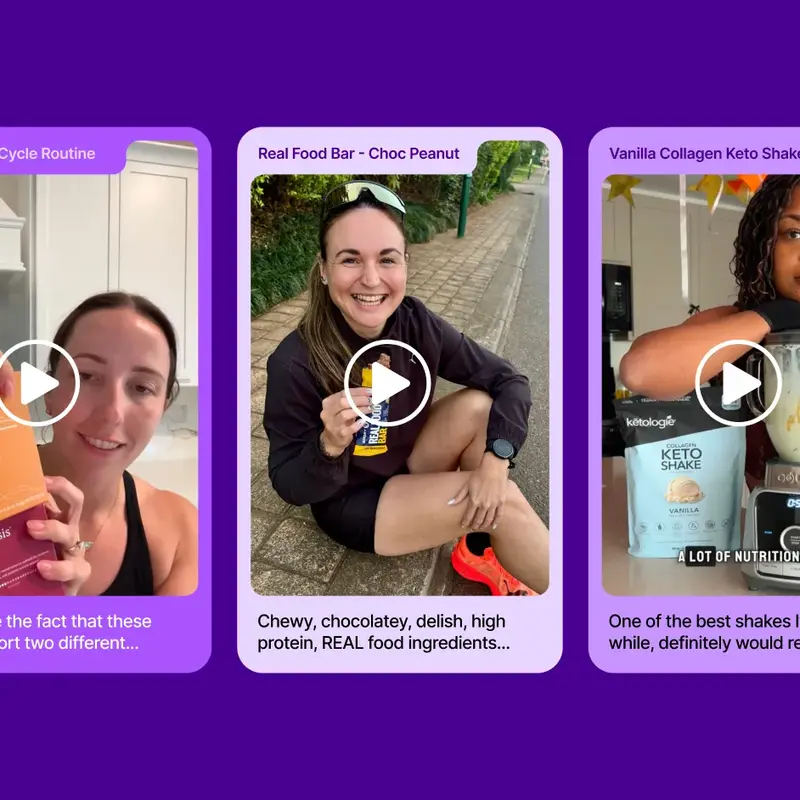
Gửi tin nhắn cộng tác trên Instagram mà người nhận có thể trả lời chỉ bằng một phản hồi.
Hãy bắt đầu bằng một tác phẩm công khai cụ thể giải thích lý do bạn liên hệ với người sáng tạo.
Hãy bắt đầu bằng một tác phẩm công khai cụ thể giải thích lý do bạn liên hệ với người sáng tạo. Xác định nhà cung cấp, sản phẩm, kết quả cần đạt được, thời gian dự kiến và liệu công việc có được trả phí hay không. Kết thúc bằng một câu hỏi về sự quan tâm. Người sáng tạo nên có quyền từ chối mà không cần gửi bộ tài liệu truyền thông hoặc thông tin cá nhân.
Để nhận được phản hồi tích cực, hãy chuyển phạm vi công việc, giá cả và quyền sử dụng vào một bản tóm tắt bằng văn bản. Giữ nguyên nội dung cuộc trò chuyện ban đầu và tránh gửi nhiều lần cùng một lời chào hàng. Một phản hồi được ghi âm sẽ hiệu quả hơn việc ba người nhắn tin cho cùng một tài khoản.
Learn how to send Instagram direct messages or DMs, what it means, and the steps to do it all in one list!
, one of the social media platforms, is a popular communication tool with millions of users. One of Instagram's fundamental features is private messaging, which allows users to communicate with each other in a closer and more personal way. Private messages preserve the privacy and personal nature of shared content through photos, videos, and texts.
Users often search for topics like 'What is Instagram direct messaging?' or 'How to send Instagram direct messages?' It is possible to send messages by following specific steps and achieving the desired outcome. The platform has provided its own infrastructure feature to users.
With the list we will provide, we will show you how to use Instagram's direct messages, also known as DMs, what it means, and how to send messages professionally and within seconds. So, let's dive into all the details of 'How to send Instagram direct messages?' without further ado!
What is Instagram Direct Message (DM)?
Instagram Direct Message, also known as DM, is a feature that allows users to communicate with each other on Instagram. DM enables users to send direct messages and have conversations with other Instagram users. This feature allows you to send text-based messages, videos, photos, tags, emojis, and various other types of content to other users.
Do you have a business? Then Instagram Direct Message (DM) offers additional features for you. Especially with Instagram Direct, you can get to know your customers at every stage and strengthen your relationships. It is known as a great way to increase sales and communicate with your customers.
How to Send a Direct Message on Instagram?
Many people use Instagram to send videos or photos. However, according to statistics, some people are curious about using the Instagram Direct Message feature. Therefore, we will provide you with the details of how to send a direct message on Instagram.
You can send a direct message to someone by following these steps on your mobile device (Android or iPhone):
- First, open the Instagram app on your device, which you have downloaded from Google Play Store or App Store.
- Then enter your account information and log in to the application.
- Once you reach the main page, tap on your 'Profile' picture located at the bottom of the screen.
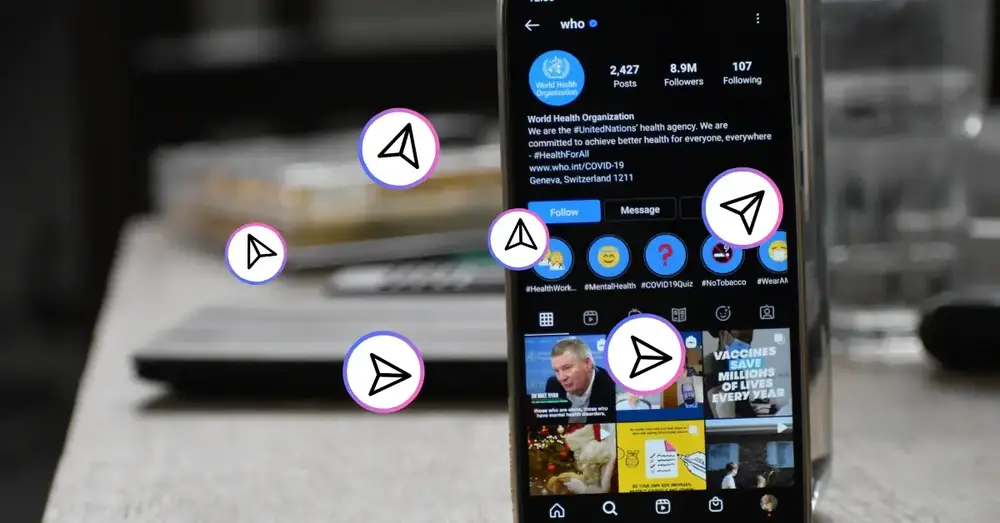
- Tap on the paper plane icon in the top right corner of your profile page.
- As soon as you tap on it, you can comfortably chat with your friends or customers in this area.
- You can search for previous messages in the 'Search' section and continue sending direct messages by tapping on them.
- If you have never messaged before, in the same area, tap on the 'Send Message' section below the text 'Send Direct Message to Friends'
- The profiles you follow will be found in the 'Suggestions' section. Select the person you want to send a message to and tap on 'Create Chat'
- This way, you can send a direct message to an individual or a business account.
RELATED CONTENTS Instagram How to Find Out Who Owns a Fake Instagram Account? Instagram Instagram Now Lets You Choose What Your Algorithm Shows You Instagram Instagram Couldn't Refresh Feed Error and Solution Instagram How to Add Music to Instagram? Instagram How Many Reports Can Close an Instagram Account? Instagram How to Adjust Instagram Story Duration? Instagram How to Send Anonymous Messages on Instagram? Instagram How to Fix the Instagram Couldn't Refresh Your Feed Error?
Is Sending Private Messages on Instagram Reliable?
Instagram is a platform where people can chat with each other, based on its structure. With the Direct feature developed by the application, it takes messages one step further. Sending a message to someone is a way of communicating with them, and the conversations are encrypted.
When looking at the messaging section of the application, it is known to be encrypted and protected against spam. However, it is still important to be cautious when interacting with unfamiliar users and be careful with the links they send.
Each account used to log in to Instagram is protected with private encryption systems. This functionality helps prevent users who intend to engage in spam or fraud. For example, the inability to create an account using disposable emails is one of the measures.
However, when you receive a message from someone and not when you send a message to them, do not directly visit suspicious links. To protect your account, always use two-factor authentication and ensure that a strong password is used to access your account. By doing so, sending private messages on Instagram (DM) will become quite reliable.
This article was last updated on 27 November 2026 friday. Today, 17 visitors read this article.